
LoRA Image Generation: How LoRA Improves AI Images

LoRA image generation delivers consistent characters, refined styles, and greater creative control.
In modern AI image generation, quality isn’t just about sharper images or higher resolution. It’s about how precisely a user can shape the final output to match their vision. We’ve all been there: you generate an image that almost works, but it doesn’t quite hit the spot. Maybe the skin is too shiny, hands sprout a suspicious number of fingers or the style lacks that final polish.
That’s where LoRA image generation comes in. LoRA isn’t a replacement for detailed prompting or a shortcut to better-quality images. Instead, it gives users a way to influence how an image is rendered at a structural level. Even strong image models can struggle to interpret abstract ideas like mood, lighting style, or facial expression, especially when those details aren’t explicitly spelled out in every prompt.
LoRA is a real game changer when it comes to creating consistent character AI images, but that level of control only works if the system behind it can keep up. At Soulkyn, this precision is supported by infrastructure built for scale. That’s why Soulkyn is one of the very few platforms that offers unlimited image generation for Deluxe and Deluxe Plus users. We run six different image models simultaneously across multiple image clusters to keep generations fast and consistent. So, let’s talk about how LoRA improves AI images.
What Is a LoRA in Image Generation?
A LoRA (Low-Rank Adaptation) is a lightweight add-on that works on top of an image generation model. It allows an AI model to learn a specific style or skill without going through the slow, expensive and risky business of full retraining. LoRA works by adjusting a small set of targeted parameters that influence how the model renders certain features. In short, it doesn’t change the core abilities of an AI model. It teaches it preferences.
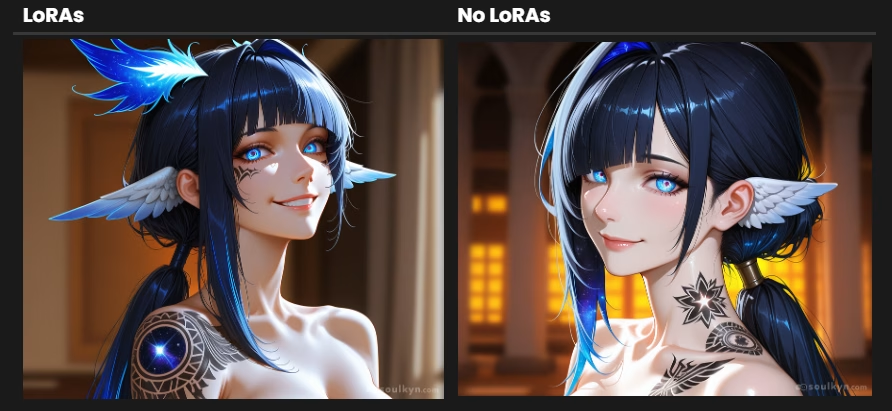
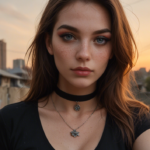
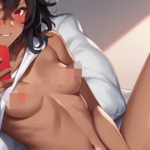
So, what is LoRA used for in practice? Let’s walk through an example. Imagine you want to see your kyn in an anime style. If you use the Soulkyn’s guide to basic image generation, you’ll get a solid result. Add a bit of LoRA fine-tuning, though, and the difference becomes clear. You can select an art style, introduce cinematic lighting, achieve more realistic skin texture, control the camera angle and add fine details.
How to Use LoRAs in Soulkyn for Image Generation
Using LoRA is straightforward. Simply navigate to your image generation interface, open Advanced Settings, and browse the list of available LoRAs. For a deep dive into their specific effects, you can explore our Image Edit LoRA Catalog.
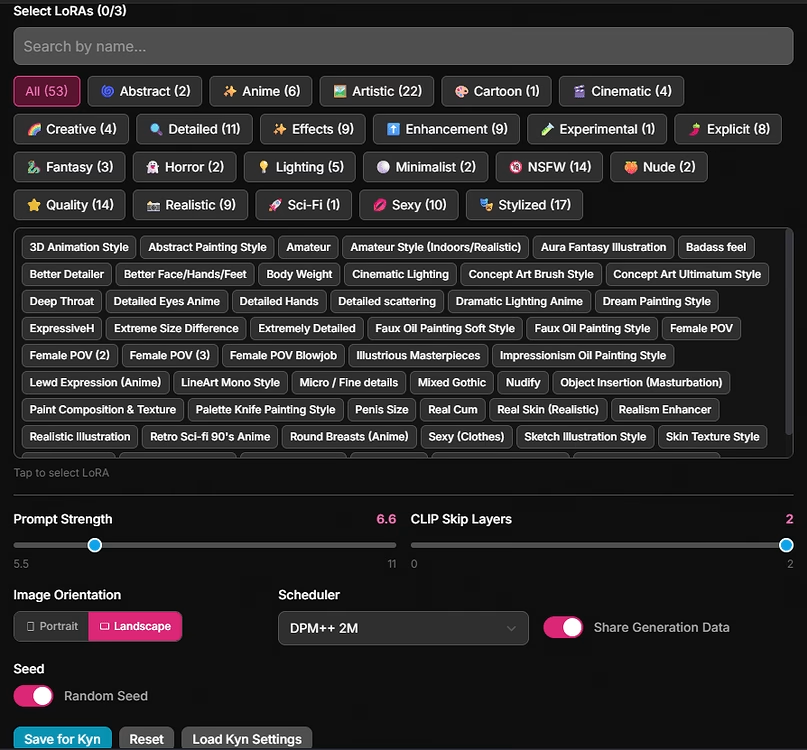
Once you’ve chosen the LoRAs you want to use, you can adjust their individual weights to dial their influence up or down. This is where LoRA AI truly stands out. Fine-tuning images often requires prompt tweaks and a lot of experimentation, which is why Soulkyn offers unlimited images, allowing users to refine their creativity without artificial caps slowing the process down.
That kind of flexibility is central to how LoRA improves AI images. LoRAs are especially effective for specific visual styles and adding controlled customization. While they aren’t designed to fix weak prompts or act as universal quality upgrades, they significantly improve creative precision when you’ve built a solid foundation.
Ready to Go Deeper with LoRA?
Already familiar with LoRA and ready to level up? Take the next step and deepen your Soulkyn image generation skills with Fuka’s advanced image prompt guide. This handy guide breaks down advanced prompting techniques and practical strategies for getting even more precision from your images.


Be the first to comment on this post!