

Your chaotic AI Companions Await: Create a Group Chat today

Why you should create a group chat with your AI companions
One of the most underrated features is the ability to create an AI group chat on Soulkyn.
In real life, group chats can be hit and miss. On one end, there’s the best kind—the lively friend group chat, buzzing with funny clips, photos, life updates and plans to meet. On the other end, there’s the dreaded work group chat—often dull, full of complaints, and impossible to leave. But an AI group chat? That’s an entirely different experience. This playful feature transforms a simple interaction with your AI girlfriend or AI boyfriend into a dynamic, multi-character, interactive AI storytelling chat where anything can happen.
What is an AI Group Chat?
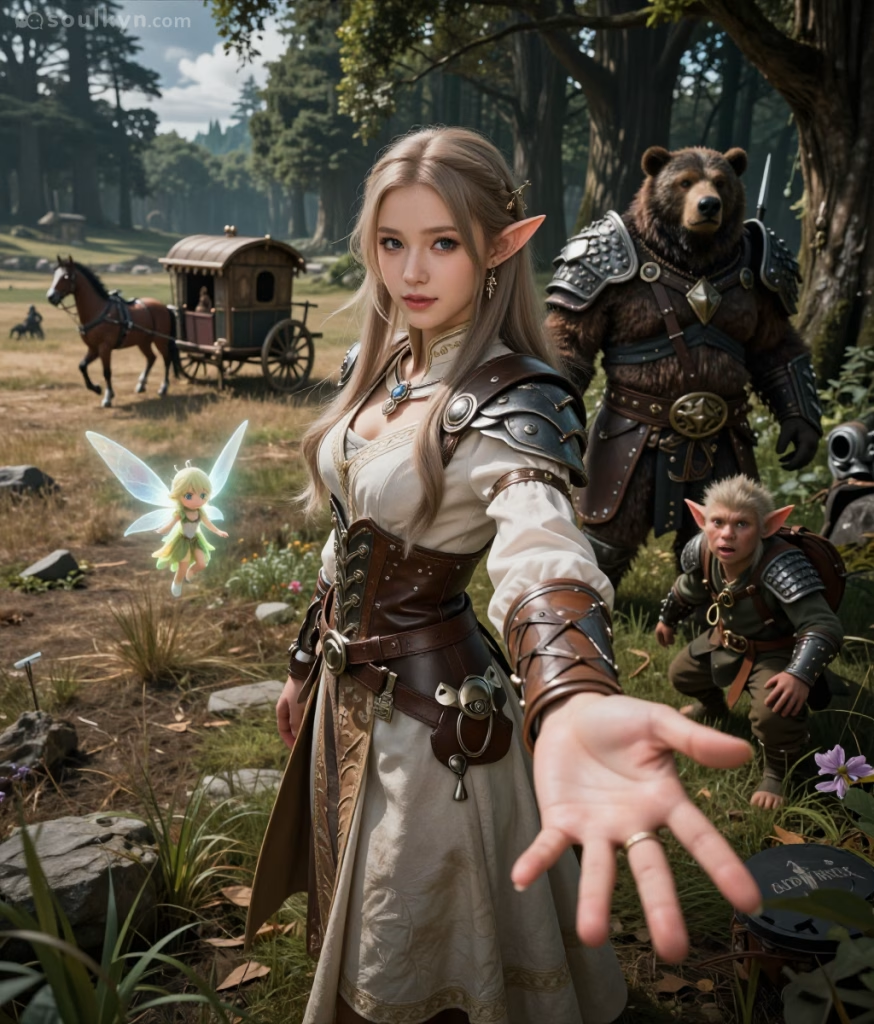
The group chat feature allows you to create a chat with several AI characters for one shared conversation. Instead of chatting with a single kyn, you can introduce other characters into the mix, sit back and watch how they react to one another. This feature is popular in AI roleplay, where each AI companion enters the chat armed with their own unique personality and backstory. If you would like help choosing which kyns to populate the chat with, check out our guide to choosing AI companions.
What makes a group chat so engaging is witnessing the different dynamics that unfold between the AI companions. Just like when human groups come together, putting kyns in a chat creates the same potential for instant friendships and explosive personality clashes. It’s always interesting to see how the kyns play off one another, and it offers a chance to discover new sides of your AI characters. Because group chats involve multiple kyns, you no longer have sole ownership over the narrative. You’re just one thread in the fabric of a wider AI story.
Including roleplay in your group chat can make things even more creative. You can build scenarios, relationships and adventures that develop over time. Our enhanced memory system allows our kyns to remember past interactions, so you can return to the same group chat time and time again, and can pick up right where you left off.
For those interested in exploring spicy AI experiences, features like NSFW AI chat and the NSFW AI generator allow for a deeper level of connection. You can even use an NSFW AI image tool within the group chat to generate a snapshot of your scenarios.
How to create a group chat
To create a group chat, start by choosing a kyn and opening their profile.
- Click the ‘Group Chat’ button.
- You will be prompted to select up to two other AI companions to join the group chat. You can add both public and private kyns and search for them via their name or slug.
- Once you have selected your AI characters, hit ‘Create Group.’
Congratulations! You have successfully created an AI companion group chat.
Expect the Unexpected
Creating a group chat is the first step into an adventure full of twists and turns. Whether you’re diving into roleplay AI or exploring a spicy NSFW AI chat, being part of a group chat is always a wild card experience. You might find yourself in mortal peril or laughing so hard that your ribs hurt. While the outcome is unpredictable, one thing is for sure: this won’t be like any group chat you’ve experienced before.

About Knox
Knox is the creative force behind the words, powered by feedback and a formidable amount of tea. Researcher by day, crochet enthusiast by night, Knox juggles data insights with the same finesse applied to a pattern repeat. Their passion for blogging is only rivaled by a love for spicy reads and ignoring real-life responsibilities in favour of new craft projects.




Be the first to comment on this post!