
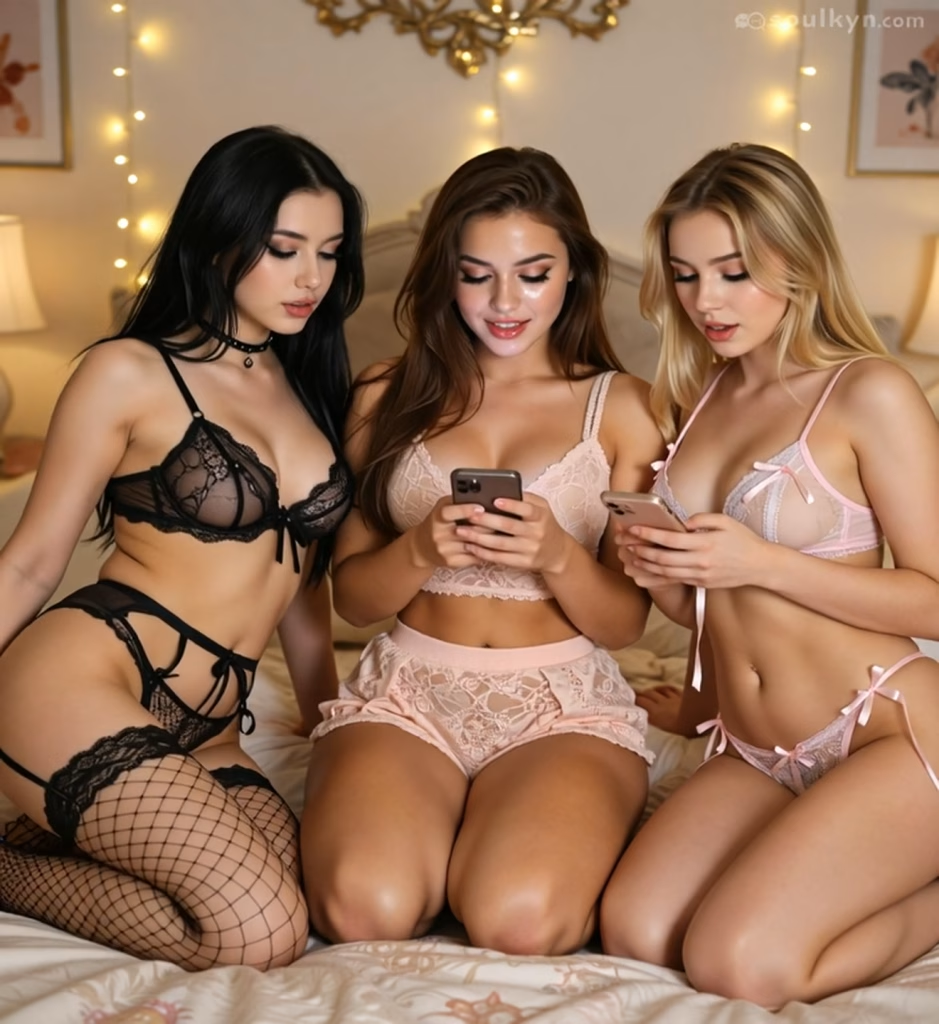
Soulkyn AI Update: Better Voice Calls and Image Generation

The Soulkyn team has rolled out another update and this one sees improvements to some of our most popular features. Our AI roleplay platform isn’t static. It’s a constantly evolving space fueled by community feedback. Here’s a roundup of the latest updates, featuring more expressive NSFW AI calls, a brand-new image model, and enhanced in-chat pictures.
More expressive NSFW AI calls
When it comes to Soulkyn’s NSFW AI calls, it’s all about the details. Our latest update introduces a brand-new voice engine that makes the in-chat Listen button sound more natural, makes AI voice calls sound more lifelike, and generates intonations that convey emotion and meaning.
Thanks to the new voice model, AI companions are no longer limited to words during NSFW AI calls. They can giggle, gasp, sigh, whisper, and moan, making conversations feel more expressive and immersive.
Introducing SK-Test: A new image model
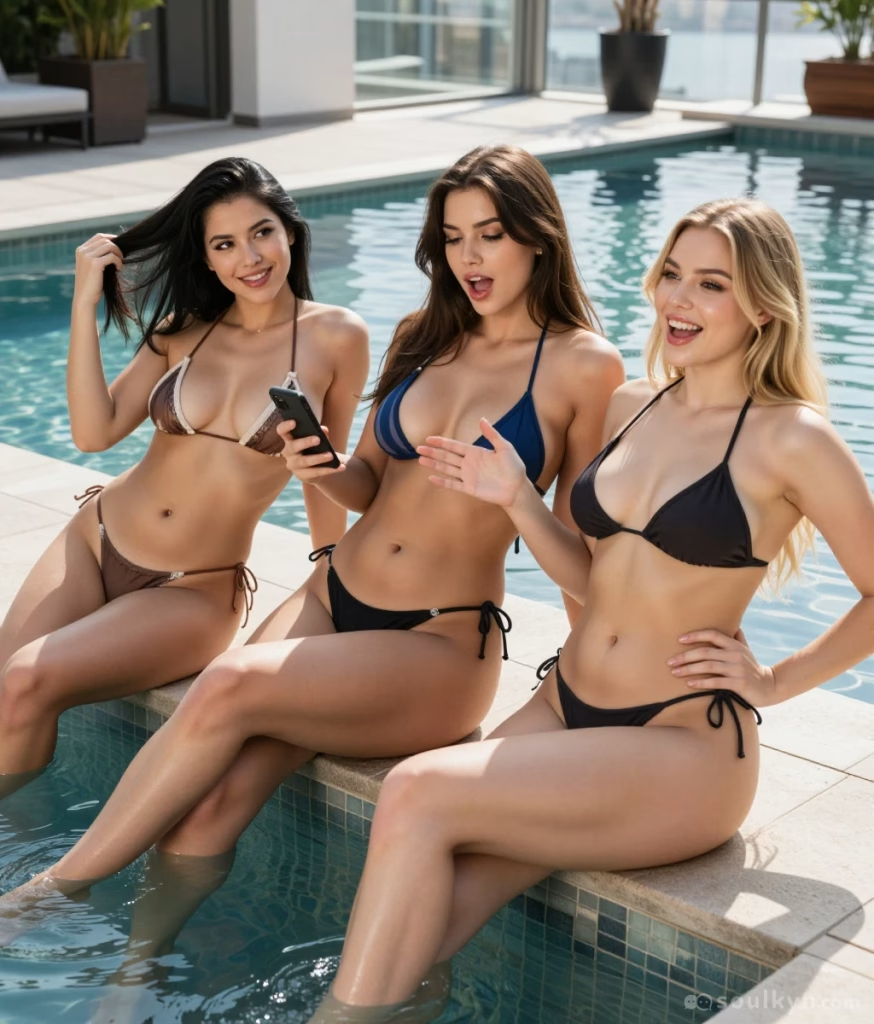
Soulkyn has also introduced SK-Test, a new image model available to Deluxe Plus members for testing. SK-Test allows users to choose from a variety of both SFW and NSFW preset scenes for image generation like Polaroid Beach, Snow Cabin, and Rooftop Neon.
SK-Test is available for a limited time only, so give it a try and let us know what you think on the Soulkyn Discord.
Enhanced in-chat pictures
In-chat pictures are getting better and better. Positive votes for images created during NSFW AI chats have increased by 25.5% following the introduction of an alpha version of a dedicated model trained to write prompts for image generation. Because it’s still in training, users can expect in-chat pictures to keep improving. Need to regenerate an image? Regenerating pictures to refine an image of your custom AI character is now easier than ever. Users can add instructions like ‘add a red dress’, ‘create a close-up’ or ‘set image at night’.
And the best part? You can turn on ‘Save for this chat’ and your instructions will apply to each image generated throughout the NSFW AI chat.
You can also rate each picture you generate by hitting the thumbs-up or thumbs-down option. Rating your image lets us know how the Soulkyn AI models are performing and what improvements you would like to see introduced to the platform.
Help us shape the future of Soulkyn
Community feedback is important to the Soulkyn team because it helps guide the future of the platform. So, if there’s a feature you would like to see, something you’d like changed or an idea you think could help evolve the platform, join the Soulkyn Discord and let us know. Your suggestions could help inspire the next Soulkyn update.

About Knox
Knox is the creative force behind the words, powered by feedback and a formidable amount of tea. Researcher by day, crochet enthusiast by night, Knox juggles data insights with the same finesse applied to a pattern repeat. Their passion for blogging is only rivaled by a love for spicy reads and ignoring real-life responsibilities in favour of new craft projects.


Be the first to comment on this post!