
AI Girlfriend Update: Introducing Smarter AI, Better Images & More Control

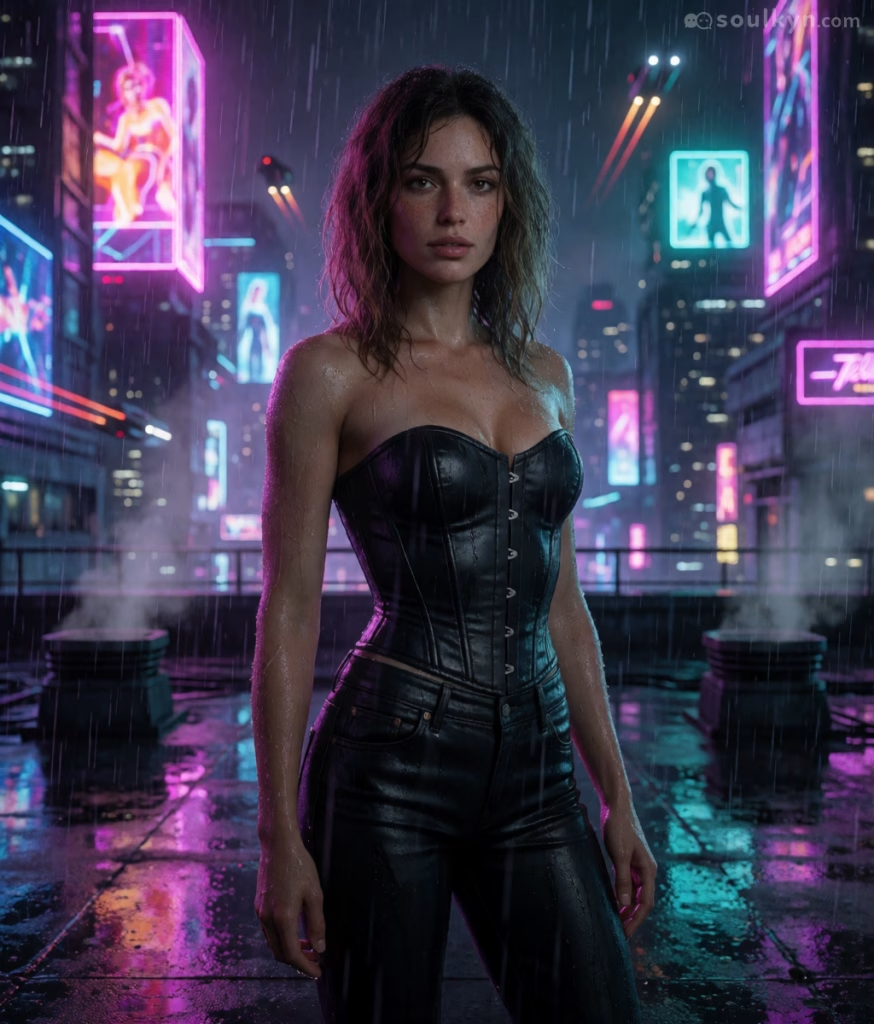
For Soulkyn, staying static isn’t an option. We’re always evolving. Our latest update sees the launch of a powerful new model, SK-Alpha. The new model is a marked upgrade over the existing SD models: Realistic and Realistic Freedom. So, what does it mean for your AI Girlfriend? The SK-Alpha model has a better understanding of natural language, including NSFW concepts. This uncensored model really gets prompts, which makes creating an AI roleplay with images easier than ever. SK-Alpha also supports a variety of styles: users can get creative with realistic, anime, cartoon and comic images.
In our last Soulkyn update, we introduced a range of multi-modal features that can be accessed directly in the chat window. To make image management smoother, we have made some small improvements. Users can now delete images from the chat by clicking on the red trash icon that appears on the image. This allows users to rid their NSFW AI chat of unwanted images. Don’t worry; when you delete an image, the text that prompted that image doesn’t disappear. The Picturize button will reappear instantly, allowing users to regenerate their image. If an image fails to generate, the Picturize button will come right back, giving users the option to try again.
Beyond the chat window, this update highlights the creative power of the SK-Alpha. Users can now choose from five brand new generation sliders in the model’s advanced settings. The options include Detail, Realism, Age (Increase Only), Breast Size, and Male Genital Size. Up to four of the sliders can be used at once and each has its own weight, allowing users to have granular control over the image outcome.
For custom AI characters, creators can now select an image from their character’s gallery that best captures their AI companion’s unique appearance. Selecting ‘Face Reference’ will lock the character’s exact likeness. From then on, the Soulkyn AI will use this image as a reference. This will make the character’s facial features more consistent across image generations. Another exciting feature of this update is the ‘Scene Presets’ gallery. This gallery gives users the ability to select from a range of ready-made scenes for image generation. Each SFW and NSFW option comes with a preview, so users know what style they are choosing before they generate.
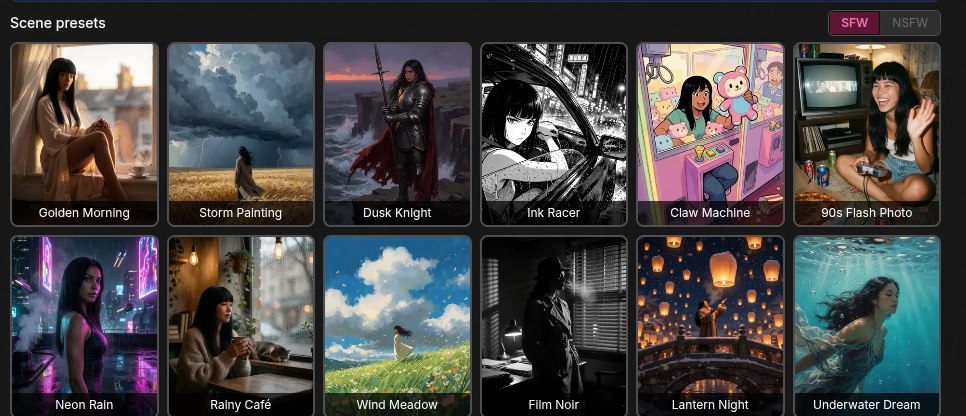
Once you’ve found the perfect image of your AI girlfriend, you can save the Face Reference, sliders, and generation settings to the character from within the image generator – and the best part? Once saved, the setup also applies to chat images. Not happy with your selection? Hit ‘Reset’ and the sliders and Face Reference will be wiped, allowing you to start with a clean slate.
Why This Update Matters
Whether you’re just chatting and generating pictures casually or building a detailed custom AI character, this update makes the experience faster, more reliable, and more creative.
Jump into SK-Alpha’s generator to try the new sliders, set up a Face Reference for your character, or explore the new Scene Presets gallery today.

About Knox
Knox is the creative force behind the words, powered by feedback and a formidable amount of tea. Researcher by day, crochet enthusiast by night, Knox juggles data insights with the same finesse applied to a pattern repeat. Their passion for blogging is only rivaled by a love for spicy reads and ignoring real-life responsibilities in favour of new craft projects.


Be the first to comment on this post!