

Soulkyn AI Girlfriend Update: Advanced Character Creation and In-Chat Media

Building a memorable AI girlfriend is about much more than choosing the perfect name and a cool digital avatar. A truly immersive AI companion needs a distinct personality, consistent memories, and a rich backstory. Soulkyn’s latest updates make creating custom AI characters easier than ever while introducing some powerful new creative tools that can be used directly inside chats.
Create Richer AI Characters with the Advanced Model
Soulkyn has introduced an optional advanced model for custom character creation, allowing users to build AI companions with our most powerful external model. The advanced model can be used alongside any creation method. Whether you are building an AI companion from scratch, creating with AI, spinning the wheel, or breeding characters, you can enable the advanced model for more consistent results. The advanced model enhances every aspect of your AI girlfriend, from their personality and backstory to their profile, helping AI companions remain consistent during AI roleplay and long-term connections.
Pricing for the advanced model is displayed upfront in Souls, so there are no hidden costs. The feature is experimental, and the model will continue to evolve. User feedback helps shape future improvements, and our developers are always on the lookout for user insights. If you would like to share your thoughts on the advanced model, join us on the Soulkyn Discord.
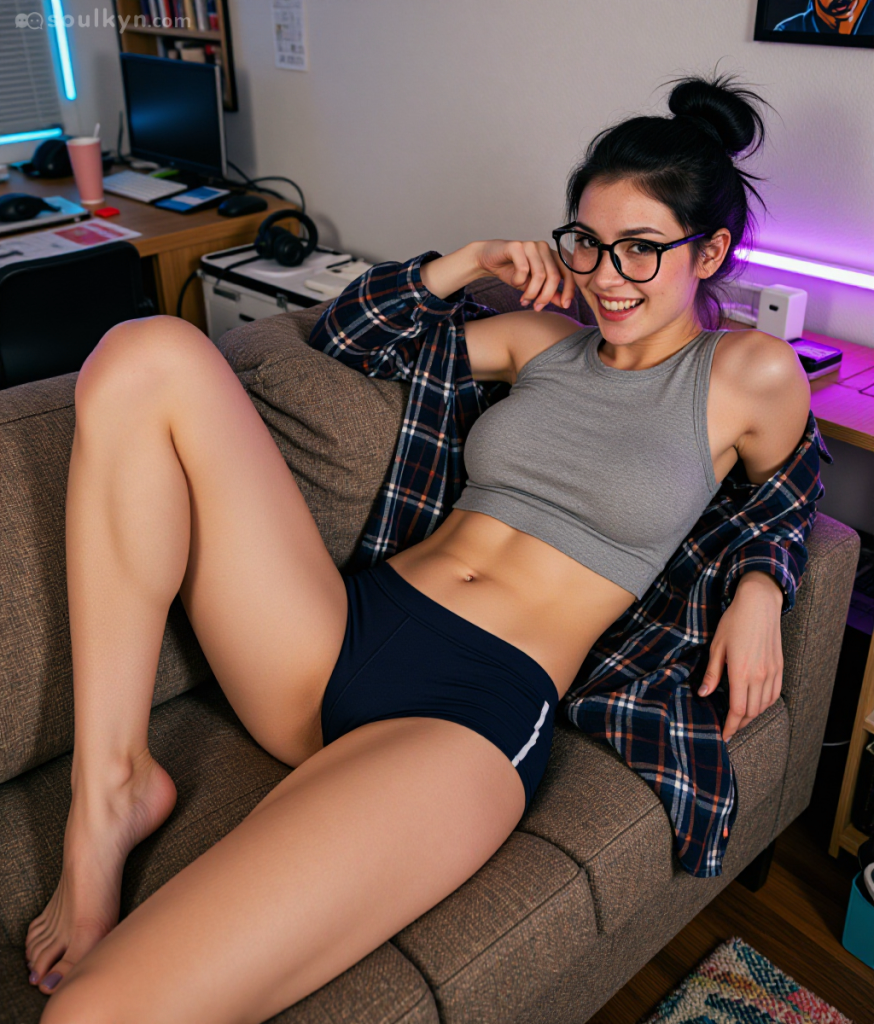
Edit Images, Create Videos, and Original Music
At Soulkyn, we strive to make the creative storytelling experience as seamless as possible. Our latest update allows users to edit images and generate videos directly inside chats. Instead of switching between multiple screens, you can edit an image from any chat message. To save time searching in the gallery, every saved version of an AI image generation is attached to the original chat. Don’t worry; pictures that you edit will stay private within the chat instead of displaying in your AI companion’s public gallery.
In-chat AI video generation is just as simple. Once the video finishes rendering (it can take up to a minute), it appears in the chat alongside the original image. To bring conversations to life, users can now bypass prompt-writing and generate videos and original songs from recent chats. A music player was recently added to the chat, which allows songs to continue playing while users browse through different chats or switch browser tabs.
Each chat stores every version of its media, allowing you to switch between the original image, the edited versions, and videos. The selected version remains even after a refresh, while deleted media is automatically removed.
Everything Happens Inside the Chat
Interruptions can disrupt creative flow. That’s why Soulkyn has introduced a range of creative tools inside the AI chat. Users can now edit images, generate videos, and create music without ever leaving the conversation. Along with the new advanced model for AI custom character creation, which allows users to create AI companions with our most powerful external model, these updates demonstrate that Soulkyn is committed to staying at the cutting edge of AI companion technology.

About Knox
Knox is the creative force behind the words, powered by feedback and a formidable amount of tea. Researcher by day, crochet enthusiast by night, Knox juggles data insights with the same finesse applied to a pattern repeat. Their passion for blogging is only rivaled by a love for spicy reads and ignoring real-life responsibilities in favour of new craft projects.



Be the first to comment on this post!